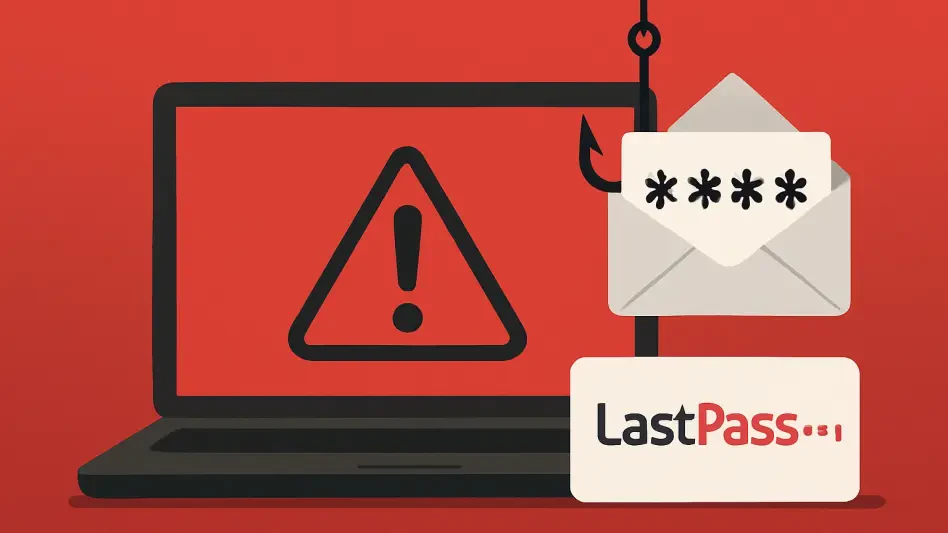
An ominous email bearing the LastPass logo suddenly appears in your inbox with a startling subject line, creating an immediate and calculated sense of panic designed to make you act before you think. This guide is designed to dismantle that manufactured urgency, explore the anatomy of this pervasive phishing scam, and equip you with the best practices necessary to protect the master key to your digital life.
Understanding the Threat to Your Digital Vault
A widespread and sophisticated phishing campaign is actively targeting millions of LastPass users, leveraging social engineering to trick them into compromising their accounts. The attack preys on a user’s natural fear of losing access to their password vault, a repository that often contains credentials for everything from banking and email to social media and work-related platforms. At the heart of this threat is the master password, the single most critical piece of information that, if stolen, provides cybercriminals with unfettered access to every account you have stored.
This article breaks down the anatomy of this dangerous scam, providing a clear roadmap to navigate these digital threats. It will highlight the tell-tale red flags embedded within the fraudulent emails and outline concrete, actionable steps to verify communications and secure your LastPass account. By understanding the attackers’ methods, users can shift from a reactive state of anxiety to a proactive position of control over their personal data.
The High Stakes of a Compromised Master Password
Extreme caution is not merely advisable when dealing with communications about a password manager; it is absolutely essential. Unlike a single compromised password for a social media account, losing your LastPass master password is a catastrophic event. It is the digital equivalent of handing a thief a master key that unlocks your home, your car, your office, and your safety deposit box all at once. The potential for damage is immense and immediate.
The benefits of maintaining a proactive security posture are therefore significant. Diligence in verifying these types of alerts is the first line of defense against widespread identity theft, protecting sensitive financial records and personal information from malicious actors. Ultimately, securing your master password is about more than just protecting data; it is about maintaining control over your entire online identity and preventing the cascading chaos that follows a full-scale account takeover.
Actionable Steps to Safeguard Your LastPass Account
Scrutinize the Sender and Message for Red Flags
The first and most crucial best practice is to treat any unsolicited, urgent security alert with a healthy dose of skepticism. Cybercriminals are masters at weaponizing fear and urgency, knowing that a panicked user is more likely to make a critical error. LastPass has officially confirmed that it will never ask for your master password via email, nor will it demand immediate, time-sensitive action through an unsolicited link. This core principle should be the lens through which you view every security notification.
The current campaign exemplifies these tactics perfectly. Attackers employ deceptive but official-sounding subject lines, such as “LastPass Infrastructure Update: Secure Your Vault Now,” to establish a false sense of legitimacy. They compound this by inventing a strict -hour deadline, a classic social engineering trick designed to short-circuit a user’s critical thinking. This manufactured pressure is intended to rush you into clicking a malicious link before you have a chance to question the email’s authenticity.
Verify Authenticity Through Secure Channels
The second best practice is to establish a hard rule: never click on links, buttons, or attachments within a suspicious security email. Instead of engaging with the message itself, independently verify the alert by accessing your account through a trusted, secure channel. This simple habit creates a critical firewall between a phishing attempt and your credentials, effectively neutralizing the threat.
This particular attack hinges on a malicious redirect. The link embedded in the fraudulent email does not lead to the real LastPass website but to a convincing counterfeit login page created by the attackers. When a user enters their credentials on this fake page, their master password and username are sent directly to the criminals, leading to an instant and complete account compromise. The only correct course of action is to ignore the email entirely, open a new browser tab, and manually type LastPass.com into the address bar or use the official LastPass application on your device to log in and check for any legitimate notifications within your vault.
Final Verdict: Trust, but Verify
Ultimately, you should not trust an unsolicited, urgent email from “Last-ass” that demands you click a link to take immediate action. The risk of falling victim to a sophisticated phishing campaign is simply too high, and the consequences of a compromised master password are too severe. Past security challenges at LastPass serve as a potent reminder that vigilance is not optional for the service’s 33 million users.
The most practical advice is to remain perpetually cautious. The single most effective step any user can take is to enable multi-factor authentication (MFA), which adds an essential and powerful layer of security that can thwart attackers even if they manage to steal your master password. Remember that authentic security procedures empower users; they do not pressure them with artificial deadlines.